
Web preview
Auto-detect localhost dev servers and external URLs in a preview tab.
Terax watches PTY output for localhost URLs (http://localhost:3000, 127.0.0.1, Vite, Next, etc.) and surfaces them as a status-bar pill suggesting Open in preview.
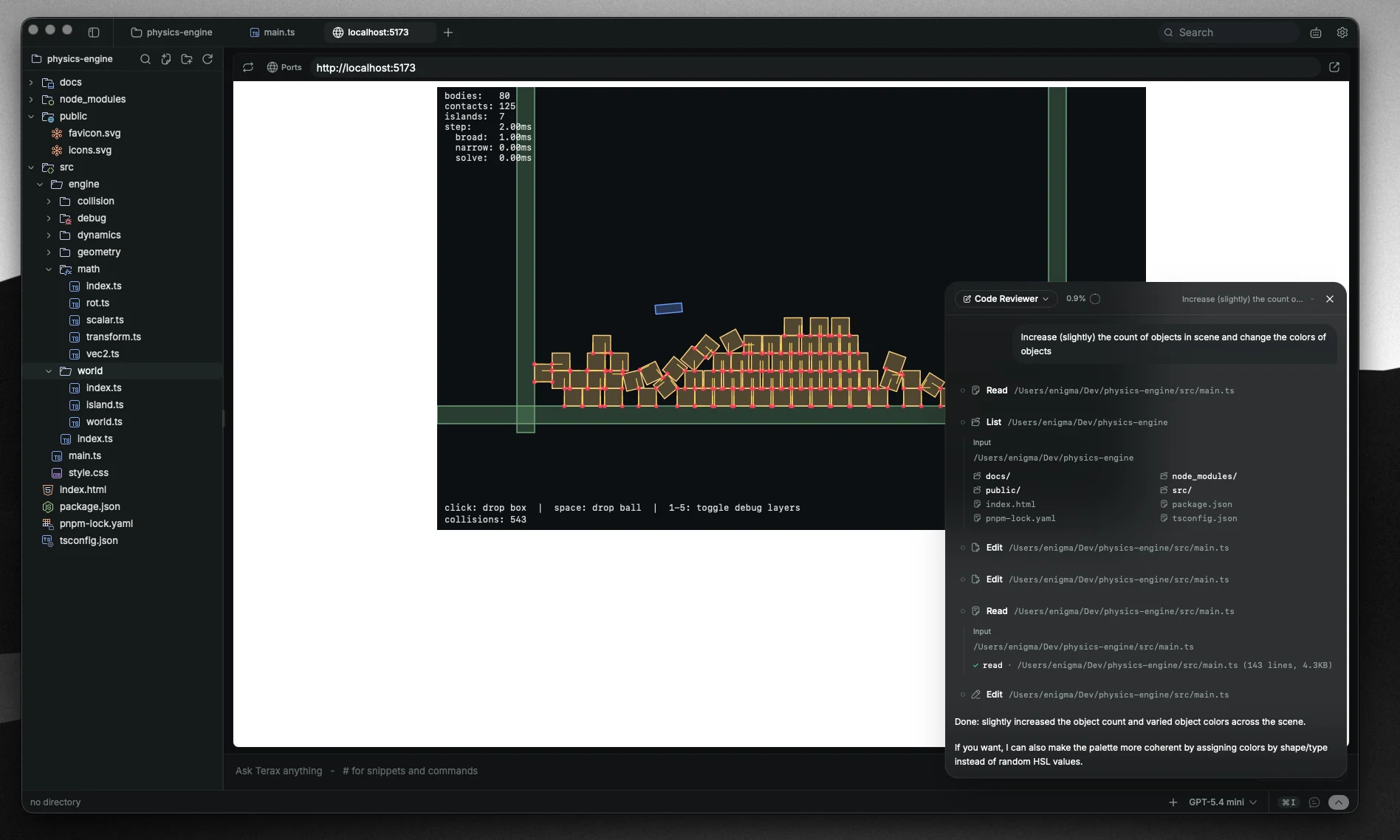
Click the pill to open a preview tab. Like every other tab kind, the preview is kept mounted in the background so the page state survives tab switches.
Open manually
Cmd+P creates a new preview tab. Type or paste any URL.
For external URLs Terax renders them in a native child webview rather than an iframe, so cross-origin headers and cookie scopes behave like a regular browser navigation.
Hot reload
The preview is mounted inside the Tauri webview, so it uses native WebSocket connections for HMR. Vite, Next, Astro, anything that ships an HMR runtime works without extra plumbing.
Detection sources
URL detection runs against PTY output, not the user's terminal buffer state, so it works whether the dev server printed its URL once or repaints continuously.