
Settings
A tour of the six Settings tabs. Every preference Terax persists lives here.
The Settings window is the source of truth for Terax preferences. Open it with Cmd+, (or Ctrl+,). Six tabs, deep-linkable via open_settings_window from anywhere in the app.
The raw settings file (terax-settings.json) exists in the app data directory and Terax does read it on launch, but editing it by hand is not the workflow - the Settings UI handles validation, defaults, and migrations. If you want to back up or sync settings between machines, see Data locations.
General
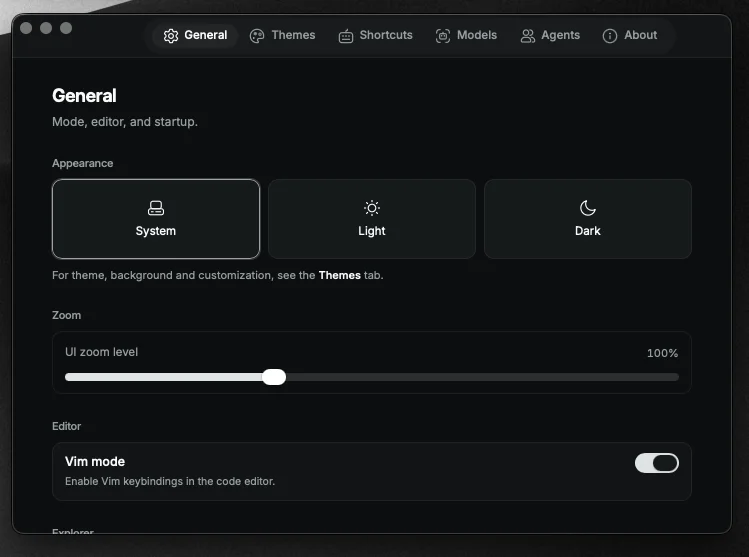
Terminal:
- Font family - any installed monospaced font
- Font size - 8 to 32, presets at 10, 12, 13, 14, 15, 16, 18, 20, 22, 24
- Letter spacing
- Scrollback - 200 to 50,000 lines, presets at 500, 1k, 2k, 5k, 10k, 25k
- WebGL renderer - toggle if you hit driver glitches
Editor:
- Vim mode
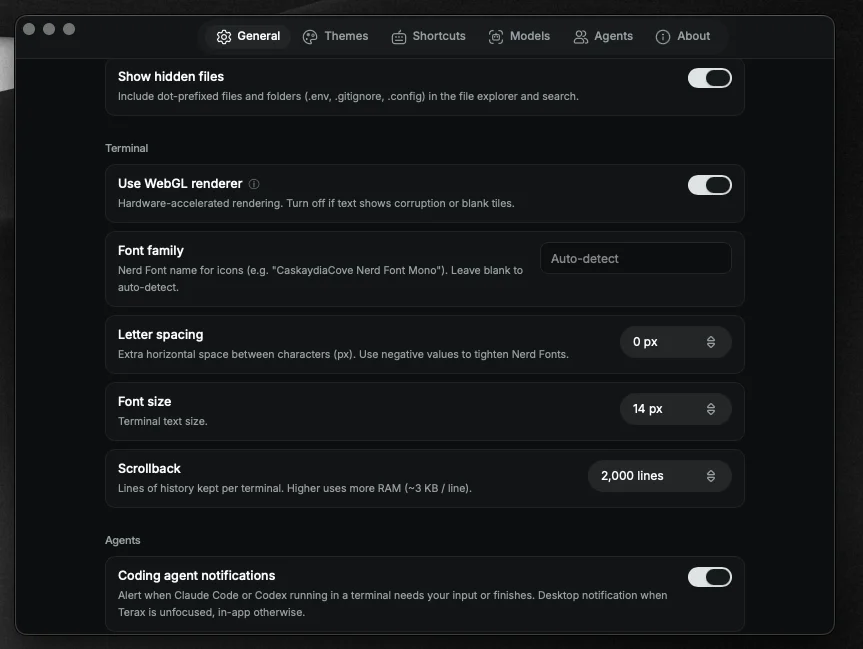
App:
- Autostart - launch Terax on login
- Restore window state - remember size and position
- Zoom level
- Show hidden - show dotfiles in the explorer
- Custom instructions - system prompt addendum that applies to every AI session
Models
Cloud providers and local endpoints. Per-provider cards for keys, base URLs (for local), and default model selection. Plus the autocomplete provider / model picker (independent of the chat model).
Themes
Bundled and custom themes. Pick an app palette, an independent editor theme, and a background image with opacity and blur sliders.
Shortcuts
Remap any binding. Per-group lists with conflict detection. Editor entries are read-only - CodeMirror owns them natively.
Agents
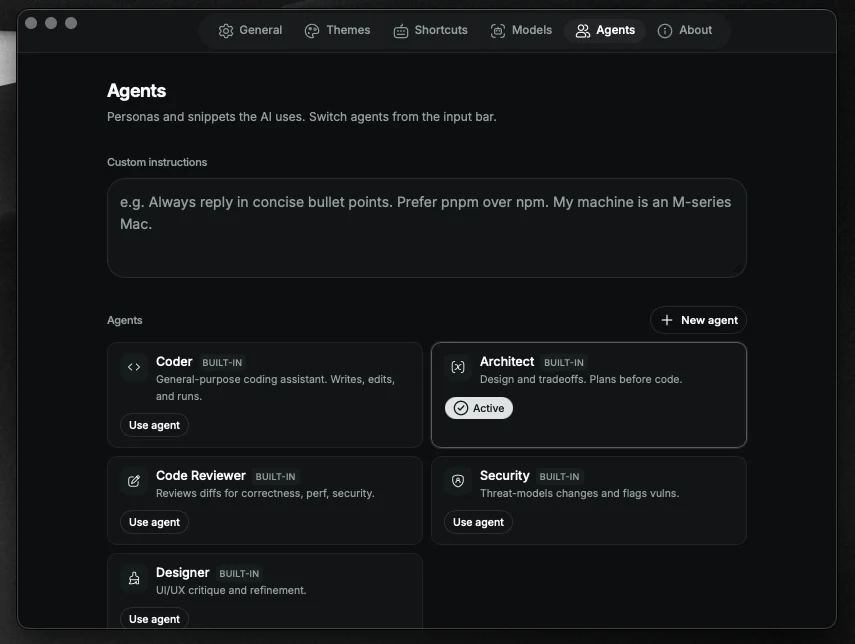
- Agent notifications - master toggle for the notification router
- Custom agents - per-agent system prompt and tool subset
- Claude Code hooks - one-click installer for terminal-agent integration (see Coding agents in the terminal)
About
Version, update channel, license, and links to the repo and changelog.