
Themes and background
Bundled palettes, in-app custom themes, separate editor themes, and a background image with opacity and blur.
Terax has its own theme engine. No next-themes, no swapping CSS files - a ThemeProvider writes CSS variables to the document root, and the xterm color palette is driven from the same source.
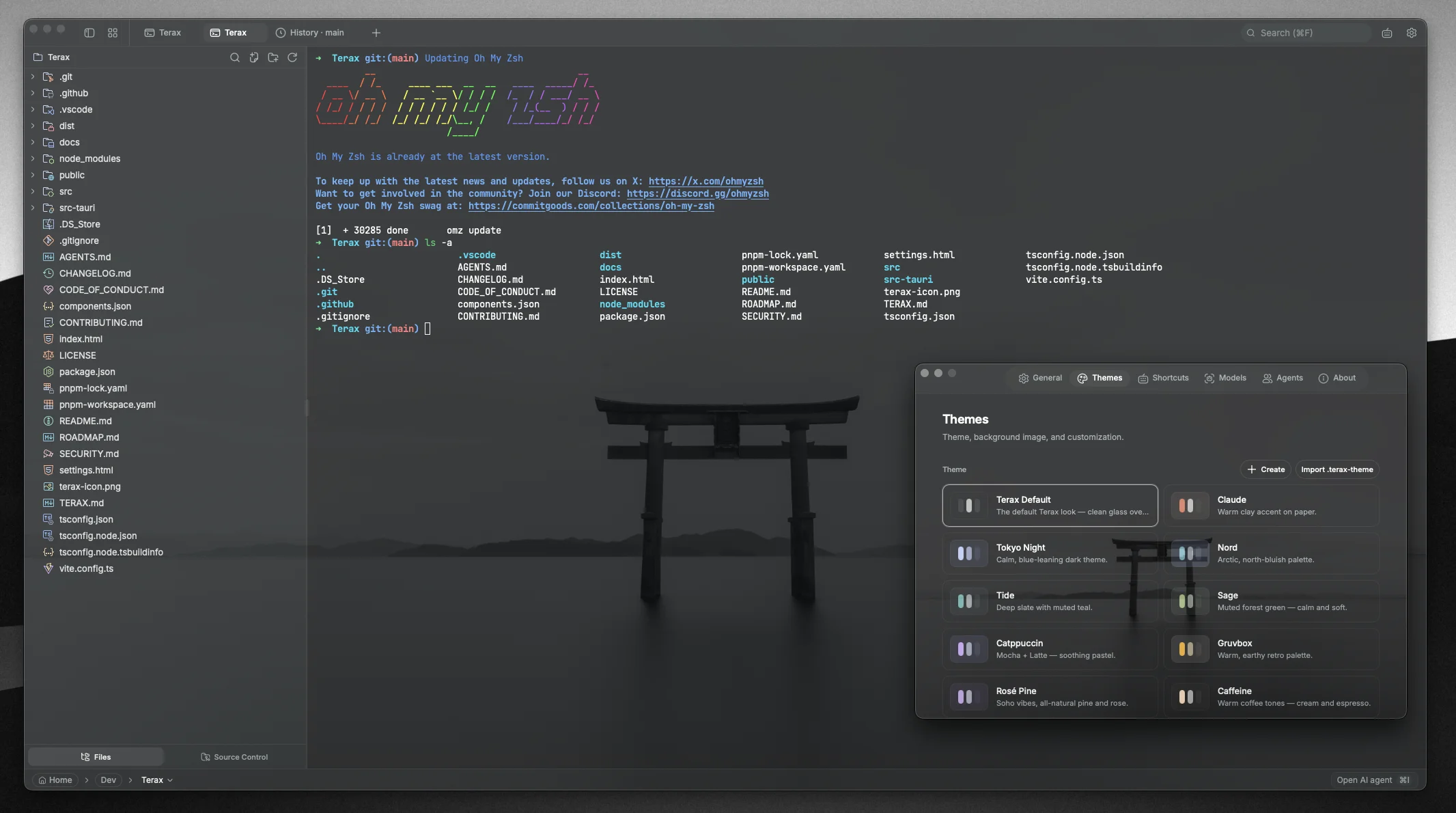
Open the theme picker in Settings -> Themes.
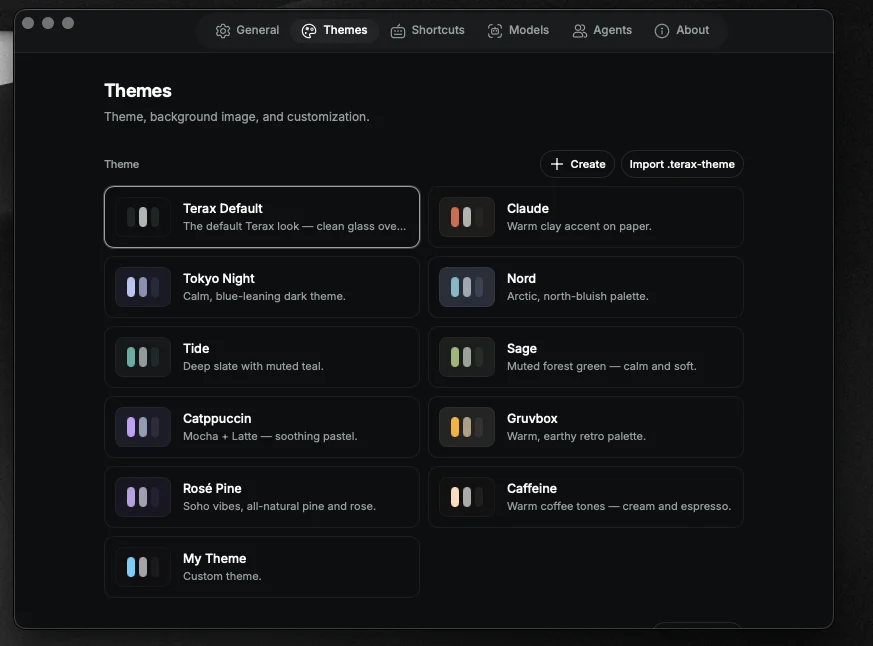
Bundled app themes
- terax-default
- nord
- tide
- catppuccin
- tokyo-night
- caffeine
- claude
- gruvbox
- sage
- rose-pine
Light, dark, or follow system - independent of the chosen palette.
Editor themes
Editor themes are picked separately. Ten options - Atom One, Aura, Copilot, GitHub Dark / Light, Gruvbox Dark, Nord, Tokyo Night, Xcode Dark / Light. See Editor.
Custom themes
Build a theme in-app from any preset. Tweak the color tokens, save, and it appears alongside the bundled ones. Stored in terax-custom-themes.json in the app data directory - portable across machines.
You can export and share custom themes as JSON.
Background image
Pick any image. Two sliders:
- Opacity - blend strength against the app background
- Blur - gaussian blur on the image, not the foreground
The image is decoded once and cached in bgImageStore.ts. Applies behind the entire window, under panes and the AI panel.
To remove, set background kind to none in Settings -> Themes.