
Terminal
Native PTY backend, WebGL-rendered xterm.js, multi-tab with split panes, and per-session shell integration.
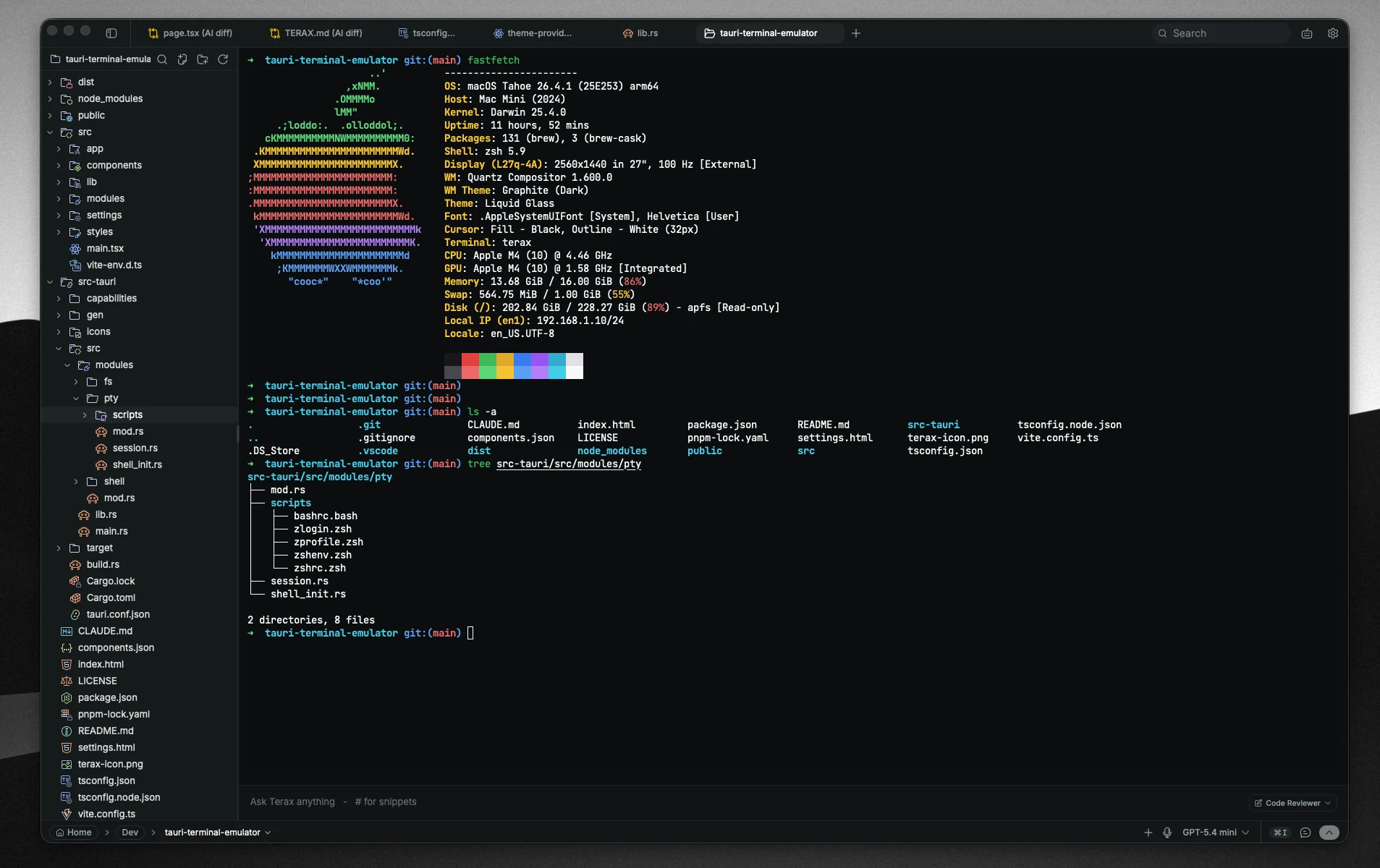
The terminal is the centerpiece of Terax. It is a real PTY, not a wrapped subprocess. Tabs survive in the background, split panes are first-class, and shell integration is injected automatically so the host always knows your cwd and command boundaries.
How it works
Terax runs a two-process model. The Rust backend (src-tauri) owns every PTY through the portable-pty crate. The frontend never touches processes directly. PTY output streams from Rust into the React app over a Tauri Channel<PtyEvent> and lands in xterm.js, which renders to a WebGL canvas.
Each terminal lives in its own xterm.Terminal instance that is created once and kept mounted for the life of the tab. Switching tabs hides the canvas, it does not tear down the session.
Multi-tab
Cmd+T- new terminal tabCmd+R- new private terminal (does not inherit the active cwd or env)Cmd+W- close the focused tab or paneCmd+1..Cmd+9- jump to tab by indexCtrl+Tab/Ctrl+Shift+Tab- cycle tabs
New tabs inherit the active tab's cwd, derived from OSC 7.
Split panes
Cmd+D- split rightCmd+Shift+D- split downCmd+[/Cmd+]- focus previous / next pane
Panes are independent PTY sessions inside the same tab. Resizable, individually closable.
Inline search
Cmd+F opens an inline search overlay scoped to the active terminal buffer. Highlight, jump next / previous, case-sensitive toggle. The same overlay adapts to editor tabs.
Shells
Default shell on Unix follows $SHELL. On Windows, Terax probes for pwsh.exe, then powershell.exe, then cmd.exe. PowerShell 7+ is preferred because the bundled init script (profile.ps1) wraps the prompt function to emit shell integration markers.
Supported out of the box: zsh, bash, pwsh, PowerShell 5.1, cmd, fish.
See Shell integration for what Terax injects and what escape sequences it watches.
Process lifecycle
Closing a terminal tab kills the immediate shell child via portable-pty's killer.
On Windows there is an extra layer. Each PTY session is also assigned to a per-session Job Object with JOB_OBJECT_LIMIT_KILL_ON_JOB_CLOSE. When the Job HANDLE drops - clean shutdown, panic, or even a SIGKILL on the Terax process - the kernel terminates every descendant of the shell. So if you started npm run dev inside pwsh and the Terax process dies, the dev server dies with it. Windows orphans the entire subtree otherwise.
ConPTY on Windows is also serialized behind a spawn mutex (SPAWN_LOCK) because concurrent spawns can leave a PTY with a stalled output pipe.
Rendering
xterm.js with the WebGL addon. True color, link detection, smooth scroll, and a color palette driven directly by the central theme engine. Disable WebGL in Settings -> General if you hit driver issues; canvas fallback is one toggle away.
Adjustable in Settings -> General:
- terminal font family
- terminal font size (8 - 32, presets at 10, 12, 13, 14, 15, 16, 18, 20, 22, 24)
- terminal letter spacing
- terminal scrollback (200 - 50,000 lines, presets at 500, 1k, 2k, 5k, 10k, 25k)
- WebGL renderer toggle